Make your first map video in Studio
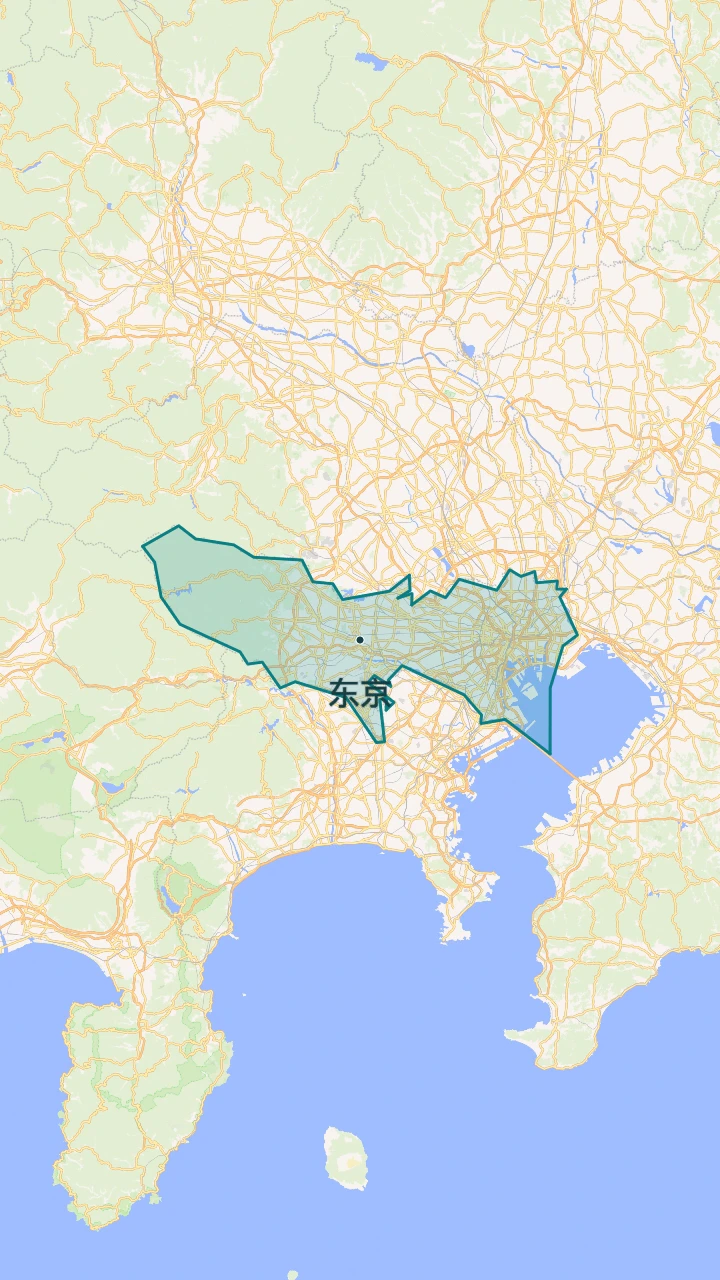
Use Japan → Tokyo to learn opening views, scenes, actions, and the timeline, then build a city introduction.
Read guide: Make your first map video in StudioFrom your first route to a finished map video. Learn Studio step by step with real examples.
Use Japan → Tokyo to learn opening views, scenes, actions, and the timeline, then build a city introduction.
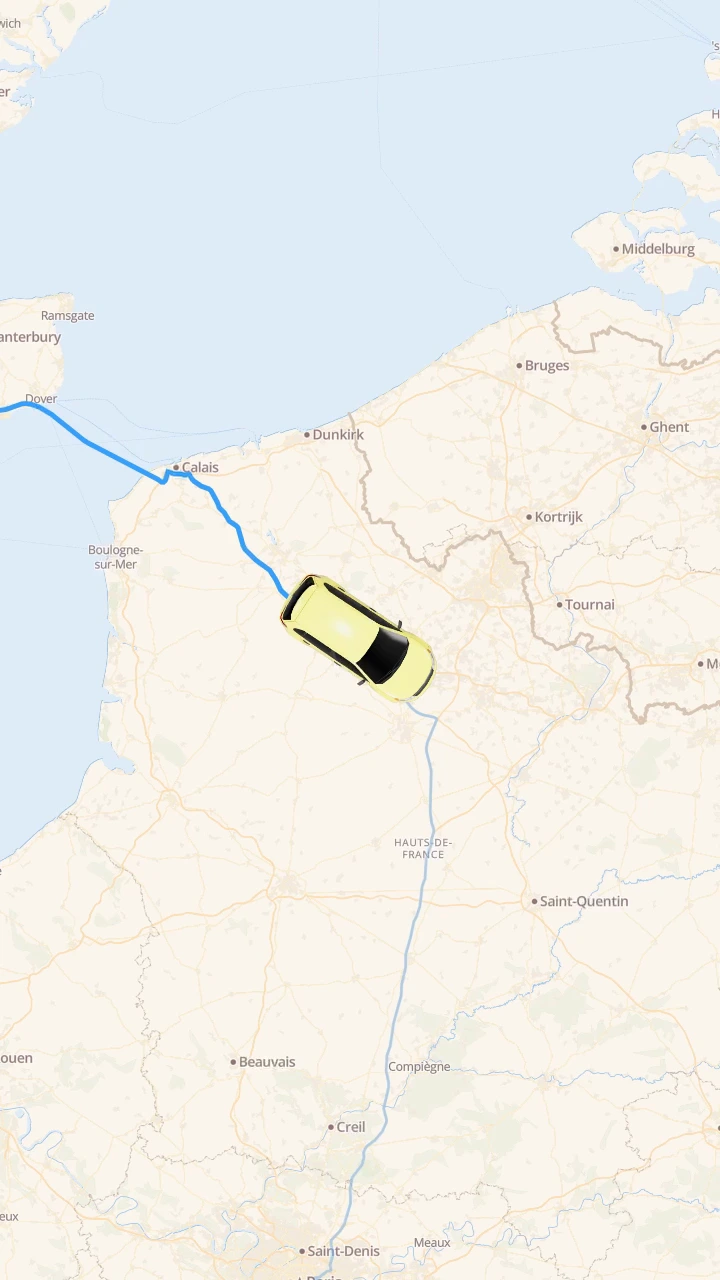
Read guide: Make your first map video in StudioChoose endpoints and a travel mode, then coordinate the path, transport marker, and camera.
Read guide: Animate a route from London to ParisCompose an opening, zoom, orbit, and hold by controlling start times, durations, and overlap.
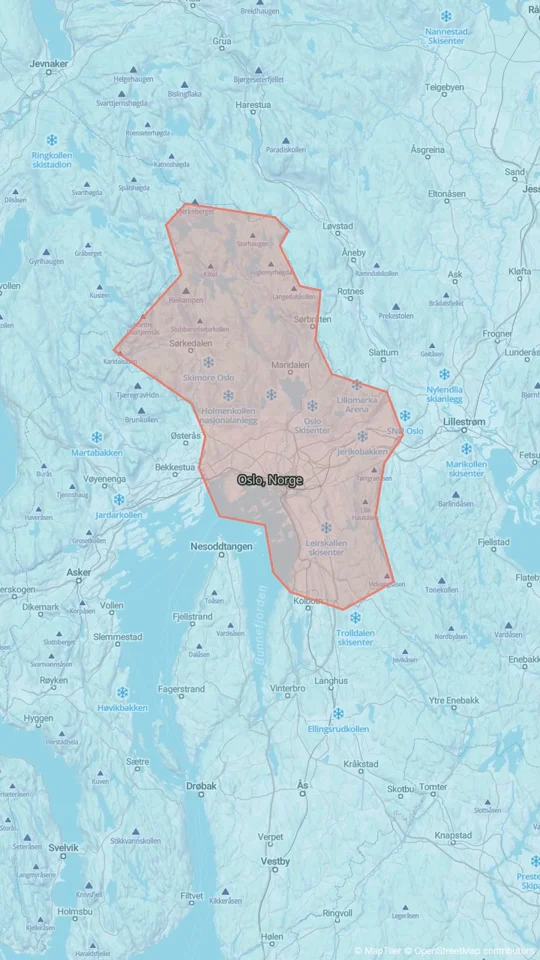
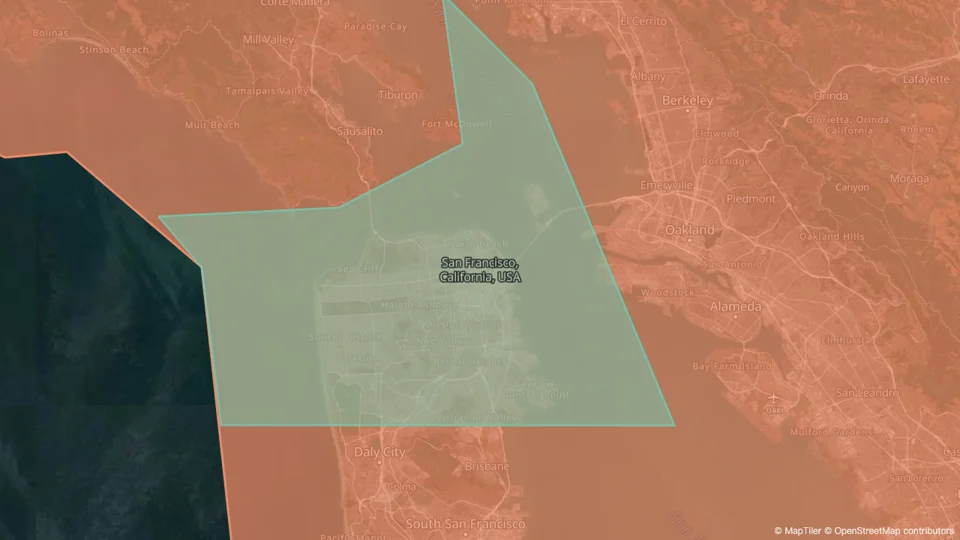
Read guide: Sequence camera moves without conflictsEstablish an area, then focus on a place. Explain location with boundaries, fills, and labels.
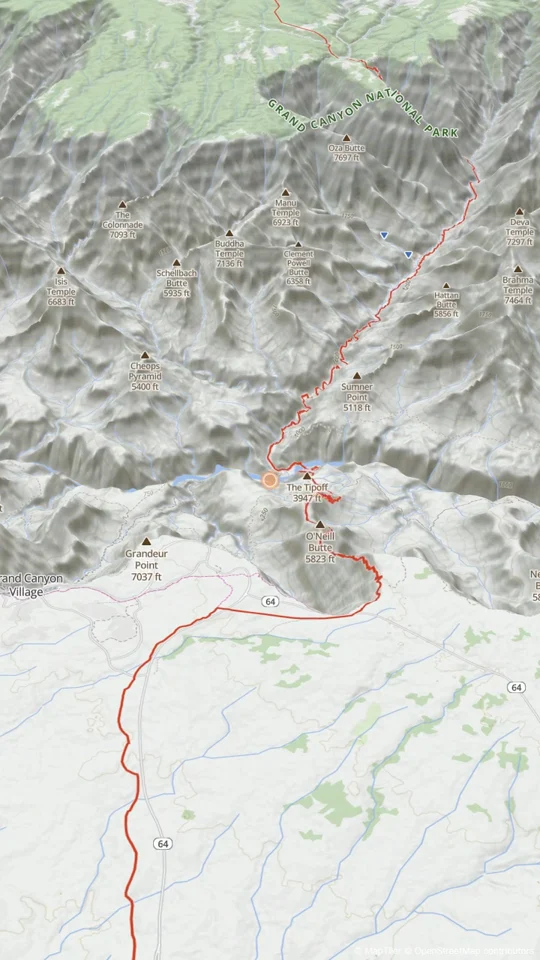
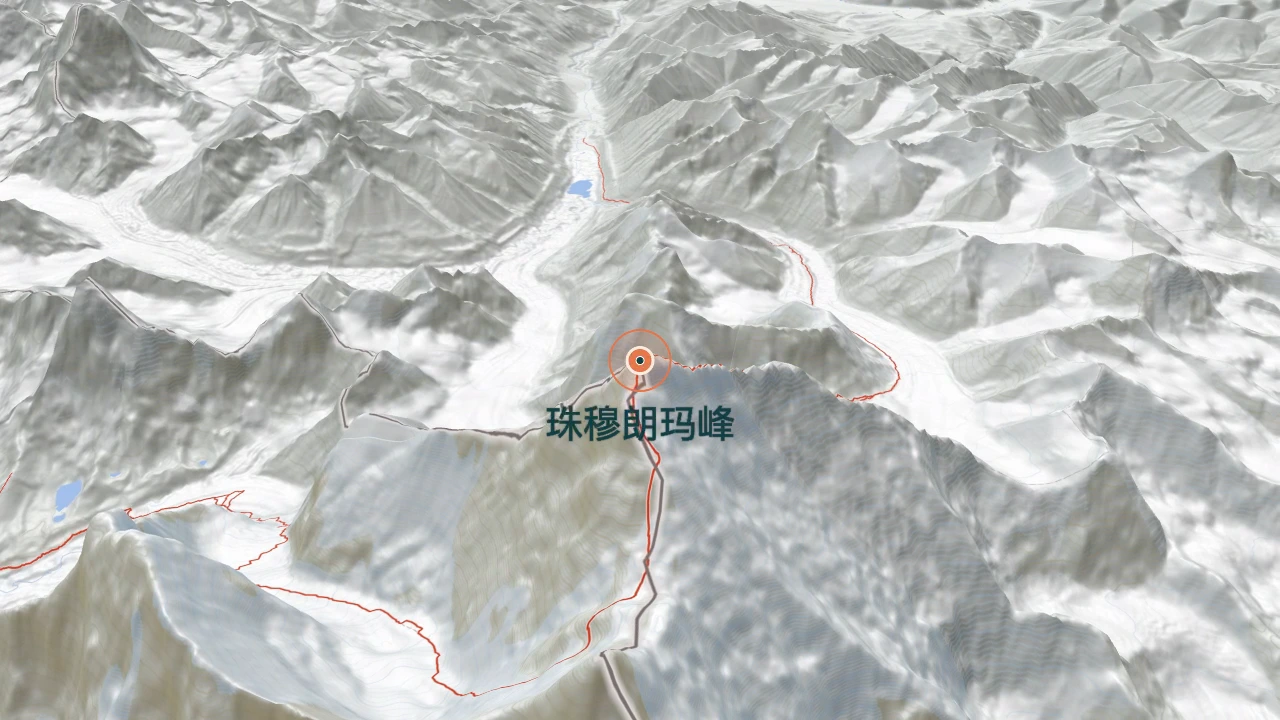
Read guide: Guide attention from a country to a cityEnable terrain or 3D buildings, then use pitch and orbit to reveal the subject clearly.
Read guide: Compose 3D terrain and city shotsCheck format, resolution, frame rate, and playback, then download and inspect the finished file.
Read guide: Review and export your finished videoBuild a 42-second map timeline of EU membership, from the six EEC founders to the 27 members shown at the end. See how to time country fills, chapter labels and the UK’s exit.
Read guide: How to animate the history of EU membershipBuild a 44-second map timeline from the original thirteen states to Hawaii. Use timed state fills, chapter labels and three camera moves to explain how the U.S. reached 50 states.
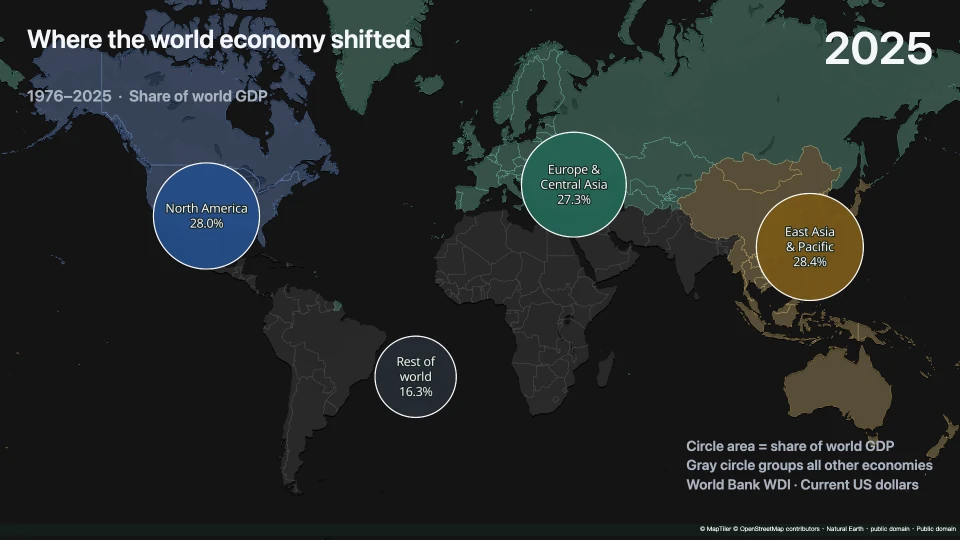
Read guide: How to animate the history of U.S. statehoodCompare 1976–2025 in 15 seconds with proportional circles, synchronized years and one fixed world view.
Read guide: How to animate 50 years of global GDP on a mapOpen Studio and start with one place and one shot.
Open Studio