
Guide attention from a country to a city
Establish an area, then focus on a place. Explain location with boundaries, fills, and labels.
Before introducing a city, establish the country or region around it. In the Norway–Oslo example, the country provides context before the camera arrives at the city and a label becomes the focus.
Watch the result
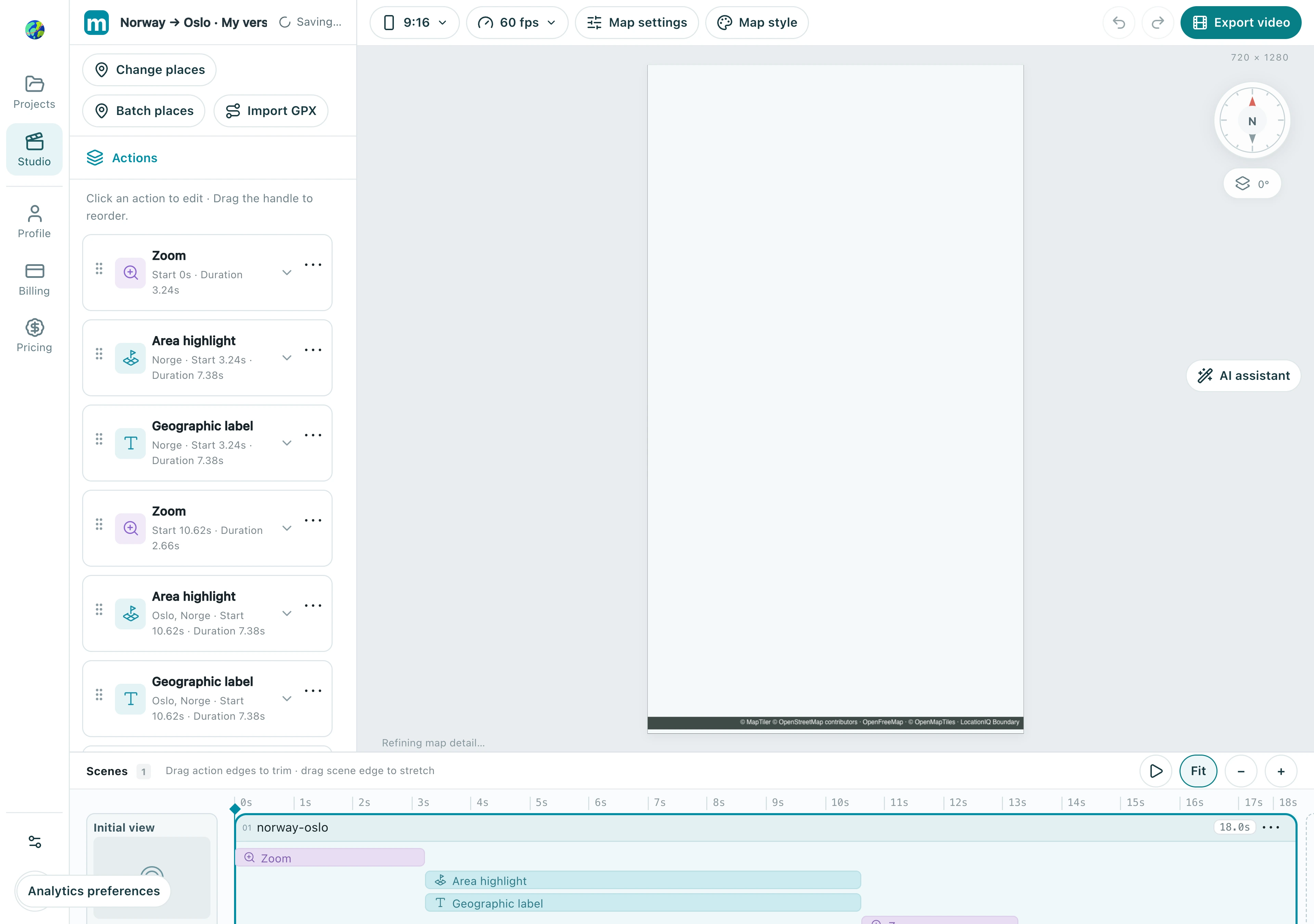
1. Choose a region boundary
Add a region highlight action, search for Norway, and verify the administrative area. Choose the intended boundary rather than a similarly named place. Wait for the geometry to load before assessing the extent.
1.1 Select Area highlight, search Norway, and verify the Norge result has an available administrative boundary.
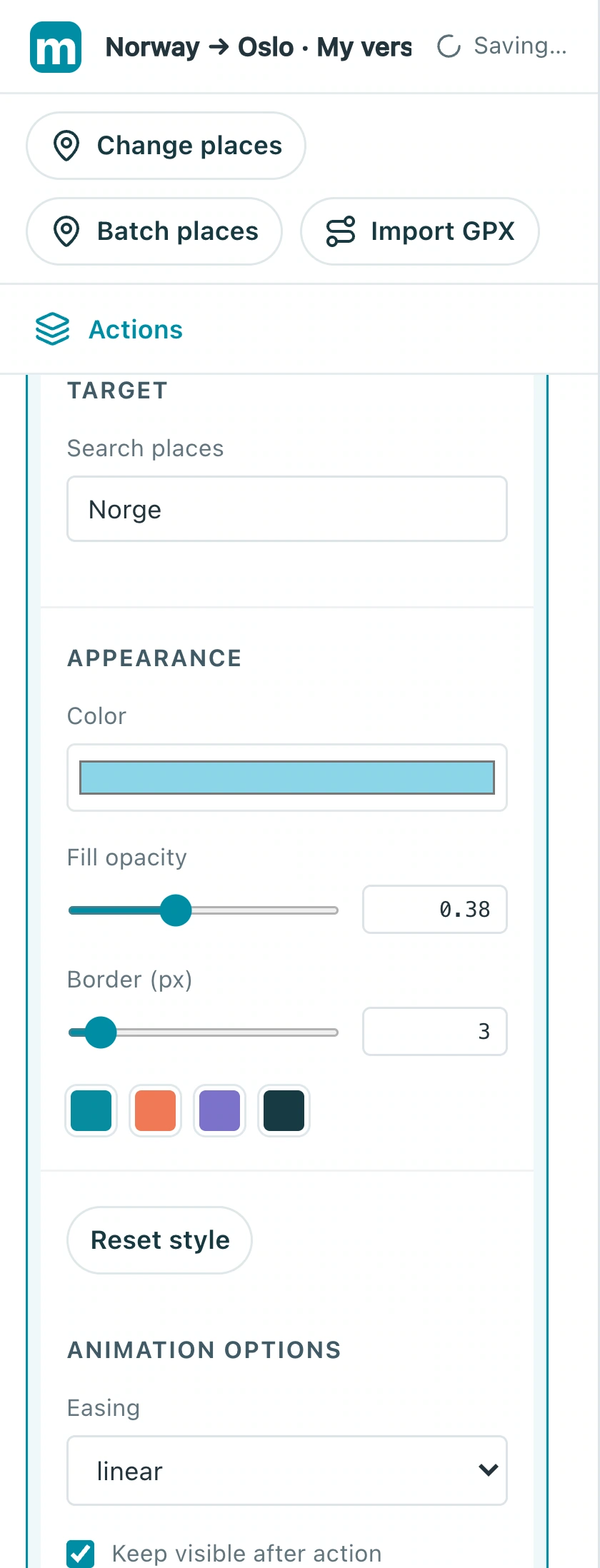
Check: The highlight covers the intended country or region.
2. Keep map detail visible
Adjust the fill and outline so the region is clear while city names, coastlines, and roads remain visible. Lower fill opacity if it obscures detail, or choose a simpler map style for a busy background.
2.1 Adjust fill opacity and border width. The example uses 0.38 and 3 pixels; keep map labels and outlines readable.
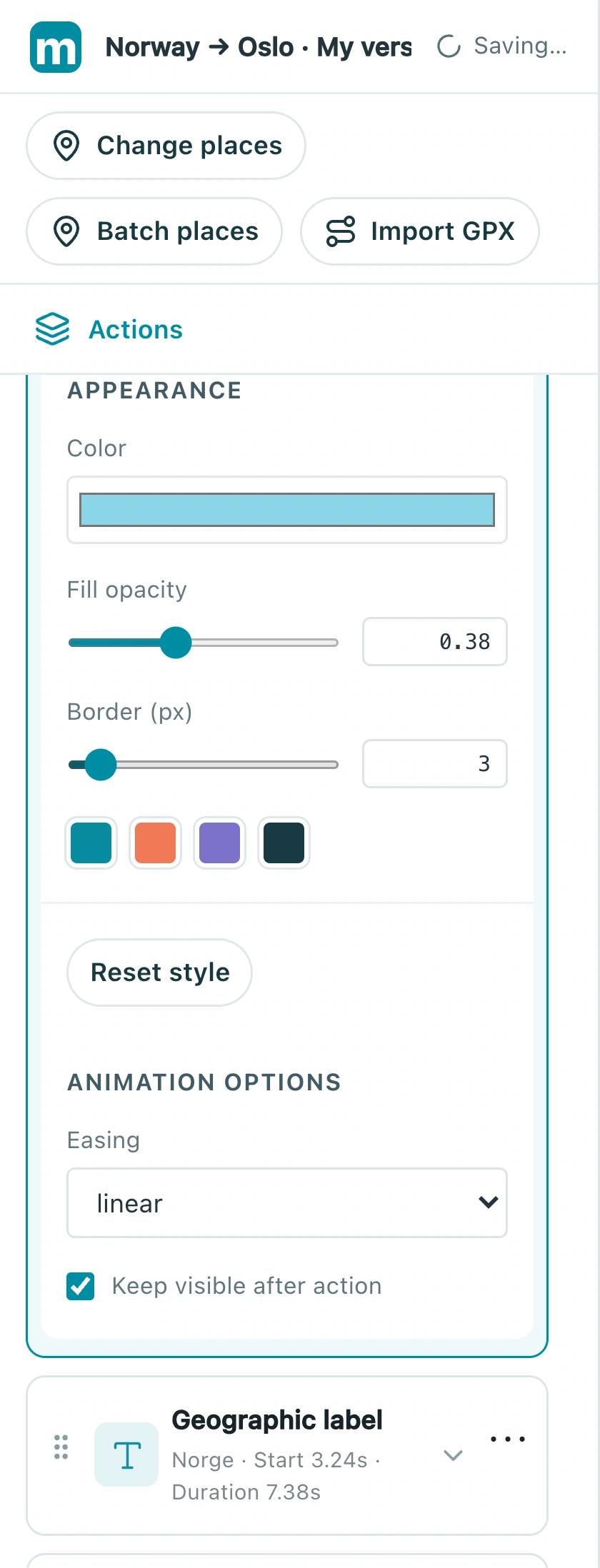
Check: Both the boundary and important basemap places are legible.
3. Hand attention over to the city
Add a camera move and geographic label for Oslo, revealing its name during arrival. Adjust the country highlight and city-label timing separately to keep attention clear.
3.1 Select the Oslo geographic label and edit its text, size, and color, rather than the country boundary action.
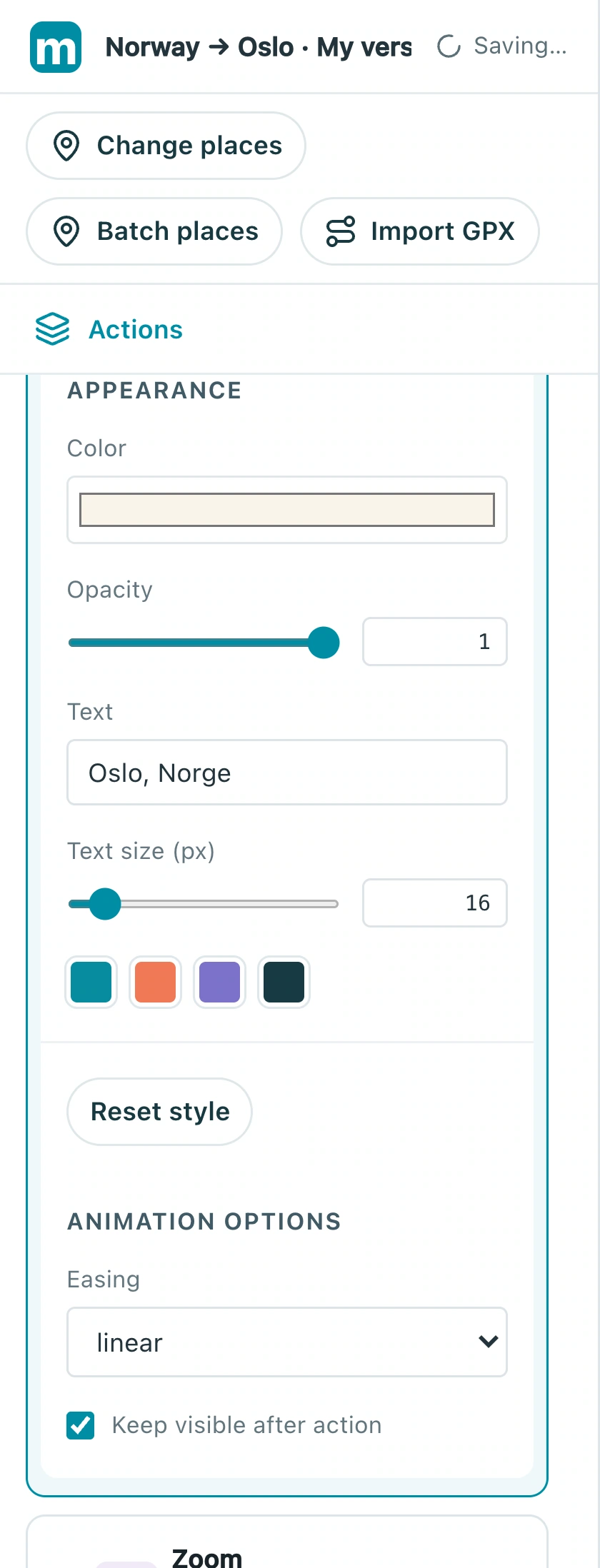
3.2 Check the city-label start time, around 10.62 seconds here, so it aligns with arrival.
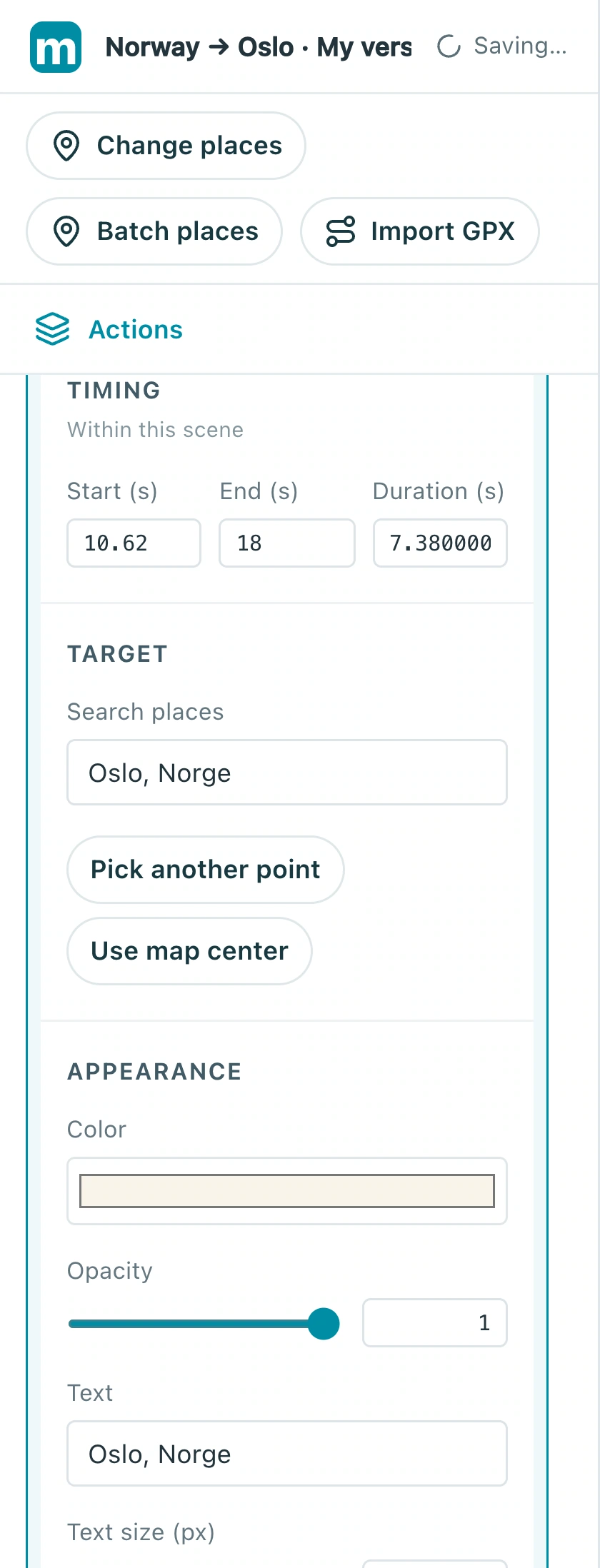
Check: The region and city label do not overwhelm the frame together.
4. Review another format carefully
Finish and export one format, save your project, then change the aspect ratio. Review clipped boundaries, labels near edges, and overly tight city shots in the new format.
4.1 Choose landscape, portrait, or square in the format menu, then review boundaries and labels near the edges.
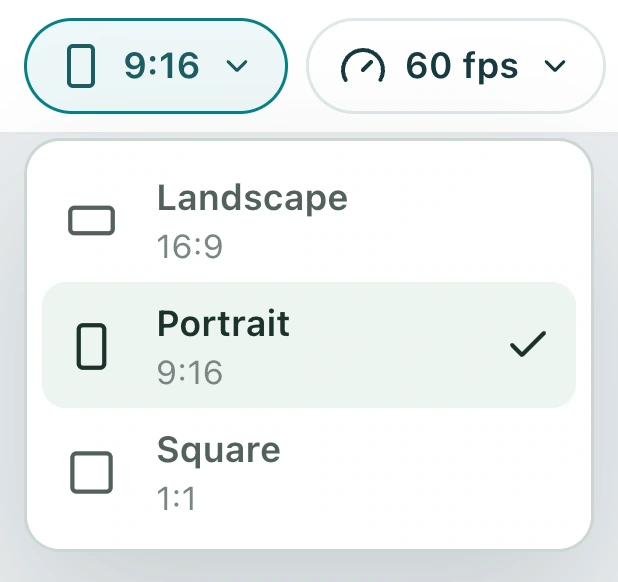
Check: Both formats explain the location clearly throughout the sequence.
Make your own version
Replace the example with a city you know, finish a short sequence, and review it end to end. Make one clear story before adding more effects.
Practice in Studio